Food&Me

Food and Me · Auto Resize with Submenu Toggle
Food&me — POS System for Cafés | POS Software for Cafe & Hospitality (NZ & Australia)

POS System for Cafés — NZ & Australia

Run your café like the rush never stops. Food&me is POS software for cafés and hospitality, keeping orders, stock, staff and regulars moving together from the first flat white to the closing till count.
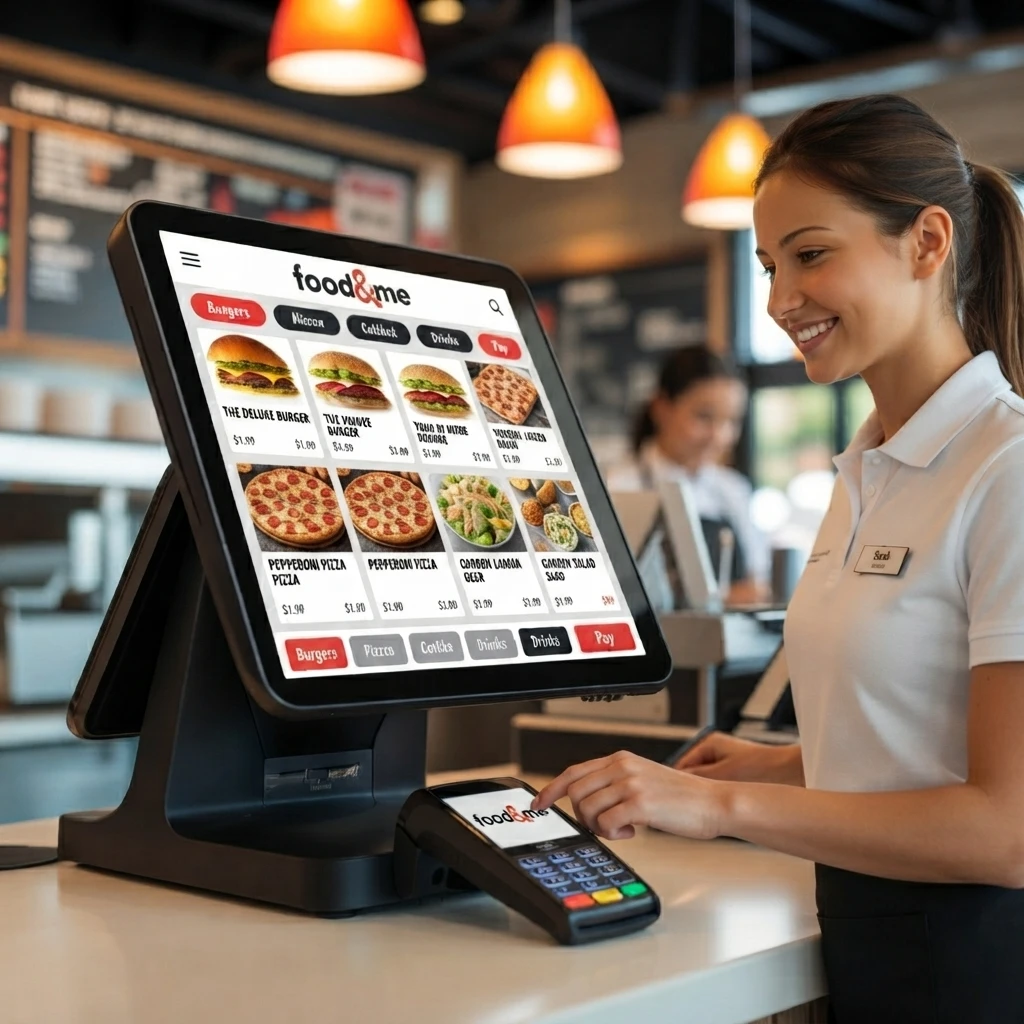
Food&me POS in a café
01 / SETUP

Get set up in a day

No long install, no tech headache. Load your menu, plug in a printer, and you're ready to serve.

02 / SPEED

Orders reach the kitchen instantly

No shouting over the espresso machine and no lost tickets — every order sends itself the moment it's taken.

03 / SCALE

Works whether you're busy or quiet

One register or ten stores, one barista or a full team — Food&me keeps up either way.

POS Software for Cafe & Hospitality

Every line item, handled.

A café runs on dozens of small decisions a minute. As POS software for cafés and hospitality across New Zealand and Australia, Food&me is built around the ones yours actually makes.
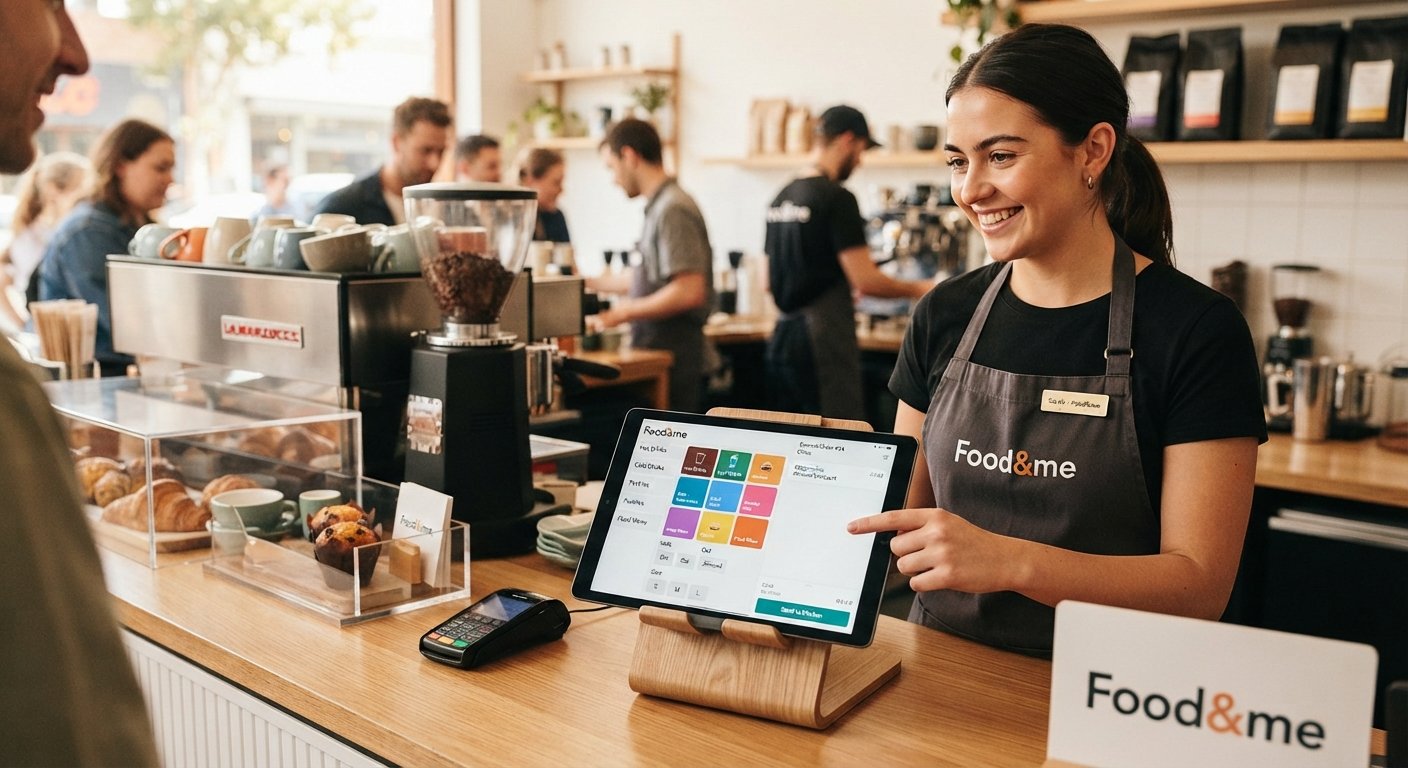
Menu and order entry on Food&me
Item 01 · Menu & Order Entry

Menu & order entry that just makes sense

Whether you're running coffees, teas, pastries, or a full food menu, Food&me lets you set it all up without a headache. Add as many items as you need, group them however makes sense to you — hot drinks, cold drinks, pastries, whatever — and add modifiers or discounts in seconds. Orders go straight to the kitchen or barista station, so nothing gets lost in translation.
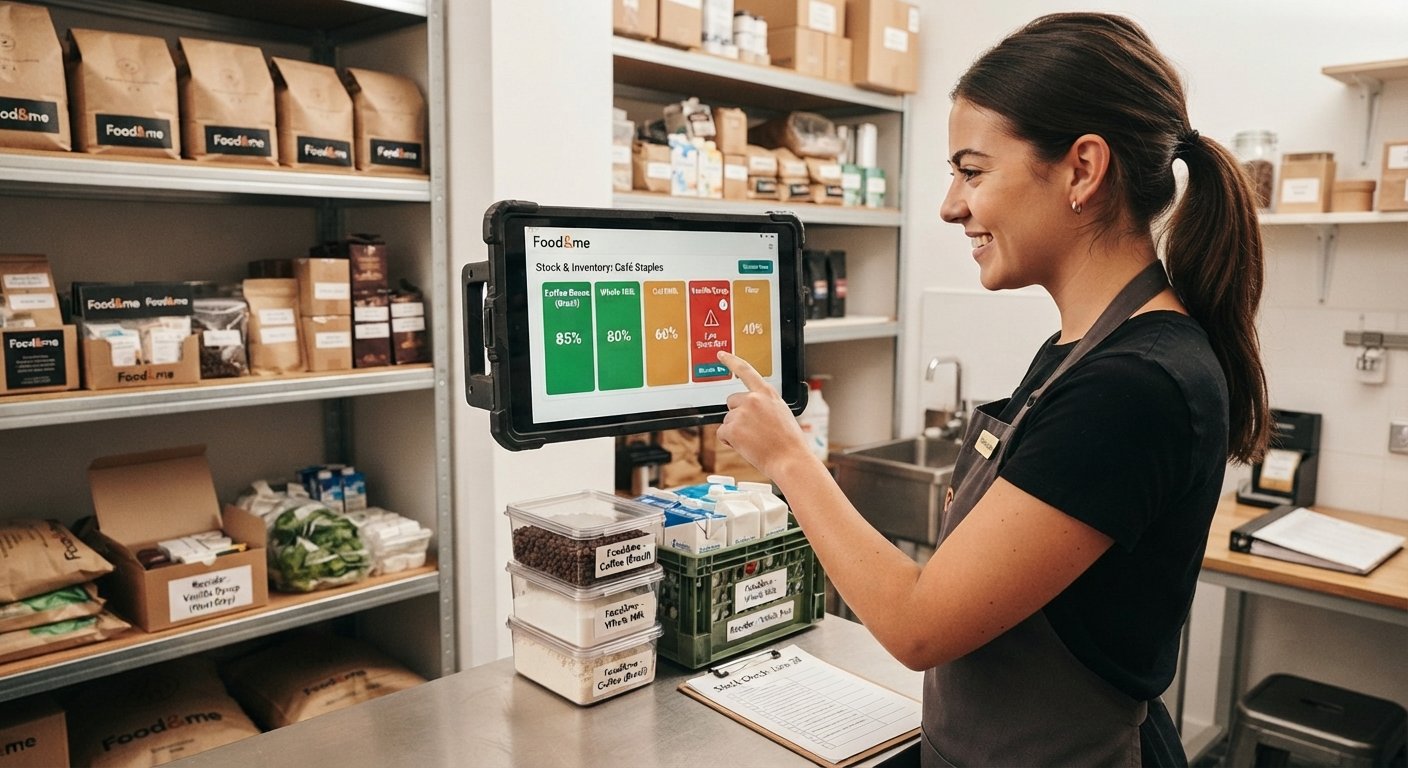
Stock and inventory tracking on Food&me
Item 02 · Stock & Inventory

Know exactly what's in your stockroom

Coffee beans, milk, syrups, food ingredients — keeping tabs on all of it is half the battle of running a profitable café. Food&me tracks your inventory down to the ingredient level, automatically deducts stock as you sell, and gives you a heads-up before you run low. You'll always know what to reorder and when, instead of finding out the hard way mid-rush.
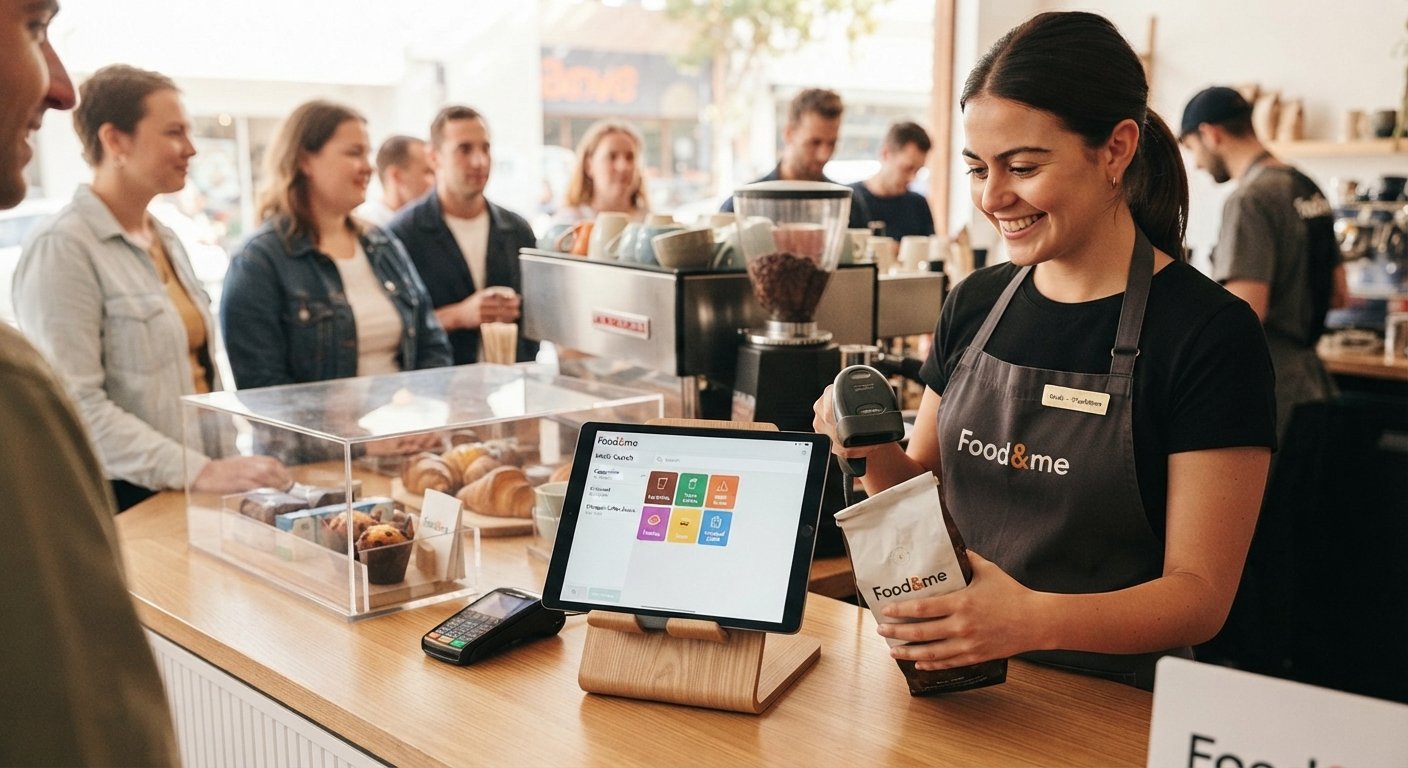
Fast checkout on Food&me
Item 03 · Fast Checkouts

Checkouts that don't slow you down

When there's a line out the door, every second counts. Barcode scanning makes packaged goods fly through, and the Intelli-Search feature helps you find any menu item fast — even during the chaos of a morning rush. Organize your catalog by category so your staff isn't hunting for buttons while customers wait.
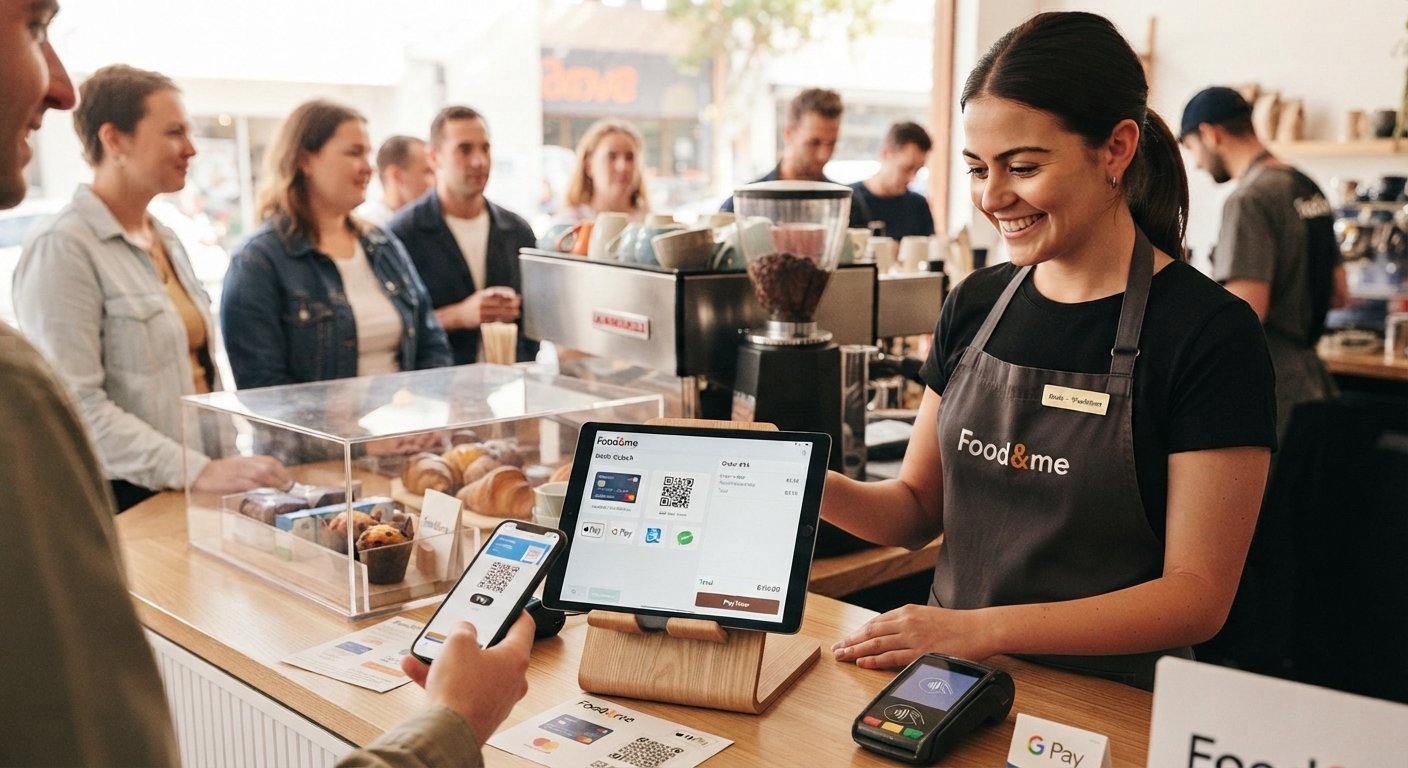
Flexible payments on Food&me
Item 04 · Flexible Payments

Payments however your customers want to pay

Card, QR, e-wallets, contactless — Food&me handles it all, including the mobile wallets people actually use. It's one less thing to think about, and your customers get the smooth checkout they expect these days.

Reports and insights on Food&me
Item 05 · Reports & Insights

Reports that actually tell you something

Real numbers, in real time — sales summaries, end-of-day totals, profit margins, all of it. Look back over months or years to see what's actually selling, what's not worth keeping on the menu, and where your costs are creeping up. And with GST-ready reporting built for NZ and Australia, your books stay clean without extra work on your end.
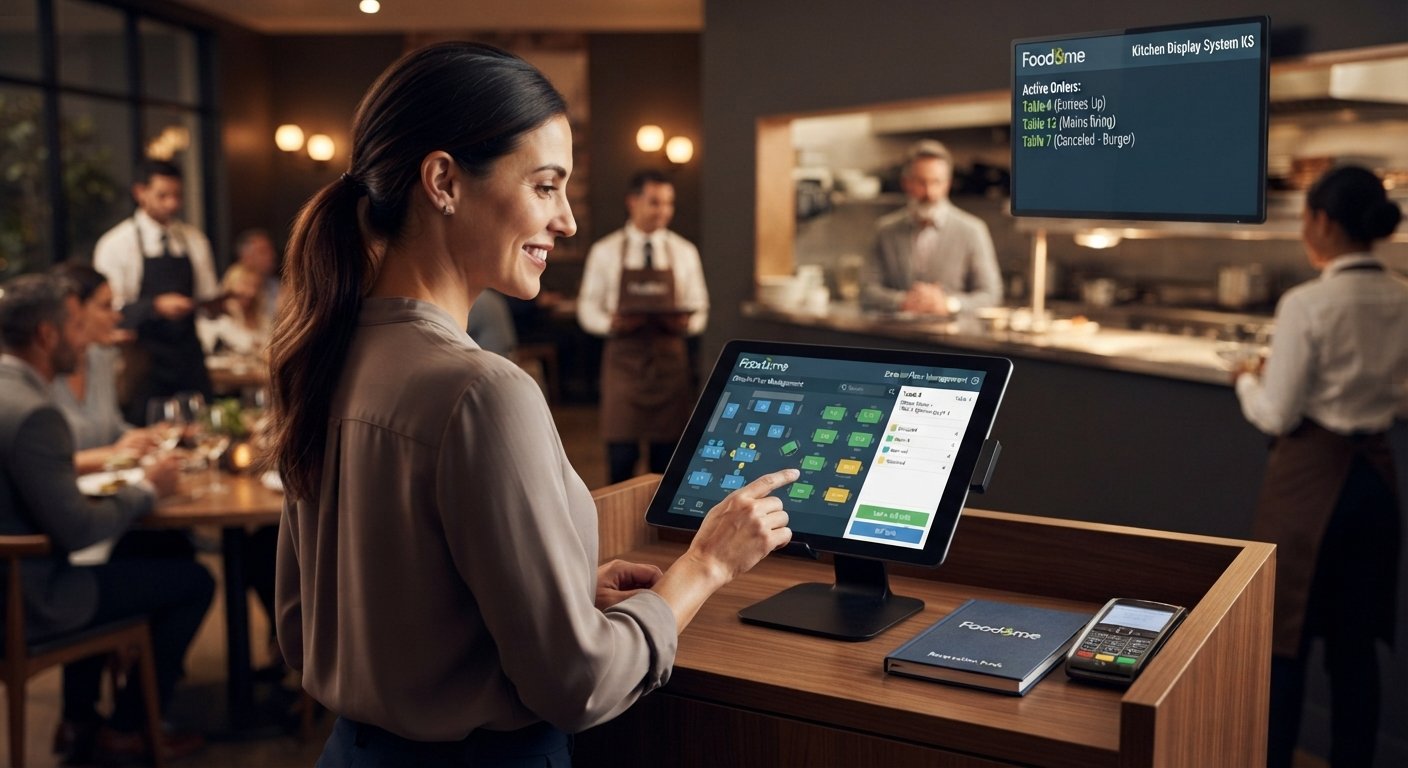
Table and kitchen flow on Food&me
Item 06 · Table & Kitchen Flow

Table & kitchen flow for full-service spots

If you're doing dine-in, Food&me helps you manage your floor — set up your layout, see which tables are open in real time, and split bills without the usual back-and-forth. On the kitchen side, orders and cancellations sync automatically to the kitchen display, so your team always knows what's next and nothing falls through the cracks.

Works with what you already run

Connect the payment, accounting, and delivery tools already part of your day — Food&me sits on top, not in the way.

Card Payments
Accounting Software
Delivery Apps
Loyalty Apps
BUILT FOR HOSPITALITY. DESIGNED FOR YOU
A Smarter Way to Run Your Restaurant
Dine-in, Takeaway & Delivery
Table Management & Split Bills
Custom Menus & Modifiers
Happy Hour & Promotions
Multi-outlet Management
24/7 Support When You Need Us
Ready to Transform Your Restaurant?

Experience the Power of Food&Me

Book a free demo and see how we can help you grow your business.

Explore more in Food&Me ecosystem

Complete solutions for every restaurant

Frequently Asked Questions

Look for something that can handle heavy volume without freezing during the morning rush. Key things to check off your list include fast touchscreen ordering, integrated EFTPOS, a reliable kitchen display system (KDS), inventory tracking, staff management, and real-time reporting. A cloud-based setup is also a huge plus so you can check numbers from your phone when you're away. Read more →
At a minimum, you want fast order processing, smooth payments, menu management, inventory tracking, staff controls, sales reporting, and customer tools. If you're running a high-volume spot, things like table ordering, QR codes, online ordering, and delivery integrations are total game-changers for keeping the line moving and cutting down mistakes. Read more →
Most modern POS platforms link up with accounting tools either directly or through a third-party connector. Once it's hooked up, your sales, payments, taxes, and refunds sync automatically. It saves you from hours of manual data entry and keeps your finances a lot cleaner. Read more →
It should let you manage sales, orders, payments, staff, inventory, and customers all from one place. Look for touchscreen ordering, EFTPOS integration, menu management, real-time reporting, inventory tracking, staff permissions, loyalty programs, online ordering, QR codes, and kitchen display integration. Read more →
The difference is night and day. You'll speed up service, drop your error rates, and finally get a clear, real-time picture of what's actually selling. Plus, everything talks to each other — your online orders, delivery apps, inventory, and kitchen screens all live under one roof. Read more →
  1. Pick your system based on your current volume and where you want to be in a couple of years.
  2. Build out your menu, set your taxes, payment methods, and staff logins.
  3. Plug in your extras like accounting, inventory, or kitchen displays.
  4. Test the whole workflow from front to back, and give your team some solid practice time before you officially go live.
Read more →